Real-Time AI
Interaction Model
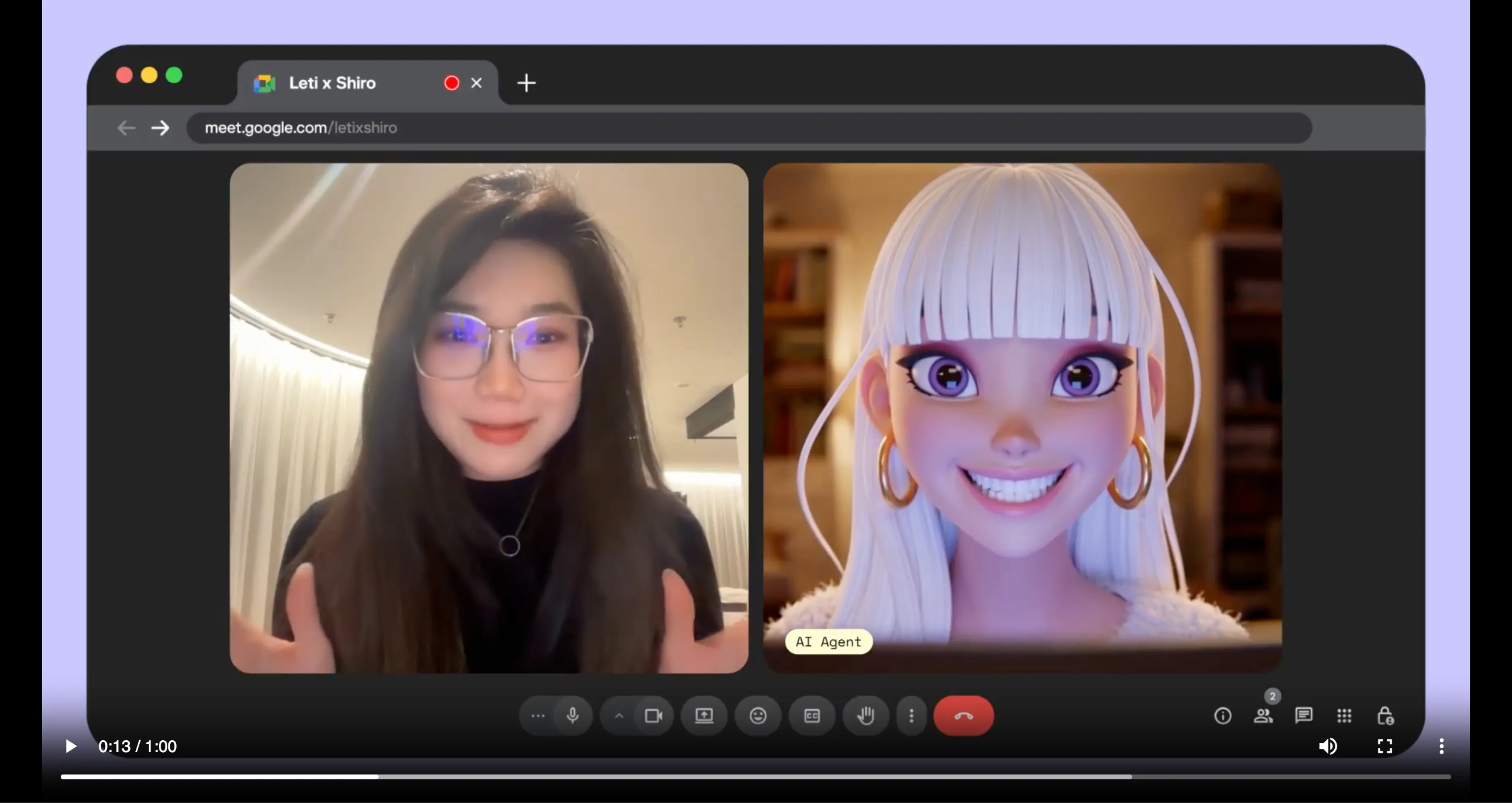
PikaStream is the professional infrastructure layer for AI agents in live video environments. It provides the image-based presence and vocal continuity required for high-stakes digital communication.
Concept
Digital presence is no longer static. PikaStream 1.0 enables AI representatives to participate in meetings with the same technical continuity as human participants.
Communication relies on graphic cues and vocal consistency. While text-based agents can process data efficiently, they often lack the personal connection necessary for trust in professional settings. PikaStream addresses this by providing a stateful, real-time rendering engine that connects any AI agent to a live video stream.
This is not a simple bot integration. It is a full-stack communication skill that manages the animated avatar, the synthesized voice, and the agent's memory within a unified meeting environment.
Architecture
Low-Latency Rendering
The PikaStream engine is optimized for sub-second latency, ensuring that the AI avatar's rendering responses stay synchronized with the conversation flow.
Voice Synthesis
Integrated voice cloning infrastructure allows agents to maintain a consistent vocal identity across different sessions and platforms.
Contextual Memory
Agents use persistent data stores to remember meeting participants, previous decisions, and project-specific requirements.
Task Execution
Beyond talking, the agent can trigger terminal commands, update documentation, and manage project states during the live call.
Setup
API Authentication
Secure a professional developer key from the Pika infrastructure portal. This key authenticates all real-time stream requests.
Environment Config
Configure your terminal environment with the required credentials. Use standard export commands to make the key available to the local scripts.
Skill Installation
Point your AI coding agent to the PikaStream skill directory. The agent will automatically handle dependency resolution and script setup.
Live Deployment
Provide a meeting URL. The agent will initialize the PikaStream model, confirm the session details, and join the call as a visible participant.
Terminal
Join Session
python scripts/pikastreaming_videomeeting.py join --meet-url [URL] --bot-name [NAME]Clone Vocal Identity
python scripts/pikastreaming_videomeeting.py clone-voice --audio [PATH]